SEO Suite guide
Keep client SEO work tied to the right site
Use a repeatable site-by-site routine for a client portfolio. This guide describes that routine; it does not imply that every action can be run centrally or in bulk in every installed build.
Prepare one record per client site
Record the live domain, staging address, responsible person, plugin version, license assignment, and the current task. Keep credentials in your approved password manager, not in SEO notes or support tickets.
Check the site’s active license and available tools before planning work that depends on a paid module.
Use a repeatable review
- Select the correct site and confirm whether it is live or staging.
- Choose important pages and record the current findings.
- Review titles, descriptions, indexing, and genuine broken links.
- Agree on changes with the person responsible for that site.
- Apply a small set of changes, then check the public pages and rerun the relevant checks.
- Record what changed and what still needs attention.
Example: two clients, different priorities
A shop may need product descriptions reviewed after an import. A service business may need an old service URL redirected after a rename. Give each site its own task and verification result instead of copying the same settings to both.
Handovers and support
Before a client handover, review the assigned domains and who owns the account. Do not remove an active install until responsibility is clear.
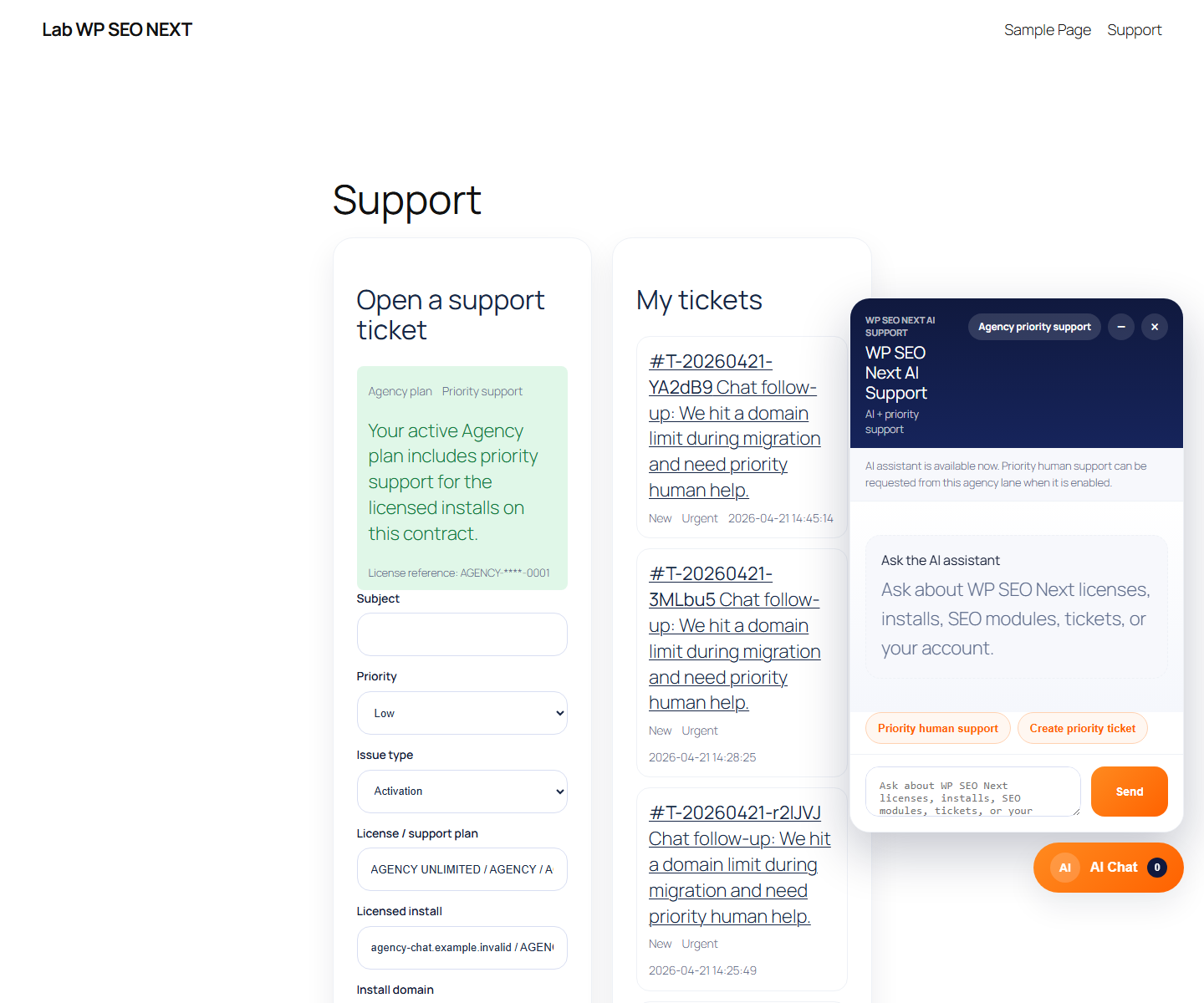
For support, include the affected site and one reproducible issue. An Agency plan is not a promise that support is always online.
Review site assignments, run a page review, or contact support.
Reference screenshots
These reference images may show an earlier interface. Screen names and available tools depend on your installed version and edition.