SEO Suite guide
Turn audit findings into a short action list
An audit points to things worth checking. Start with one important page and one finding you can verify; a score is not a search ranking or a promise of traffic.
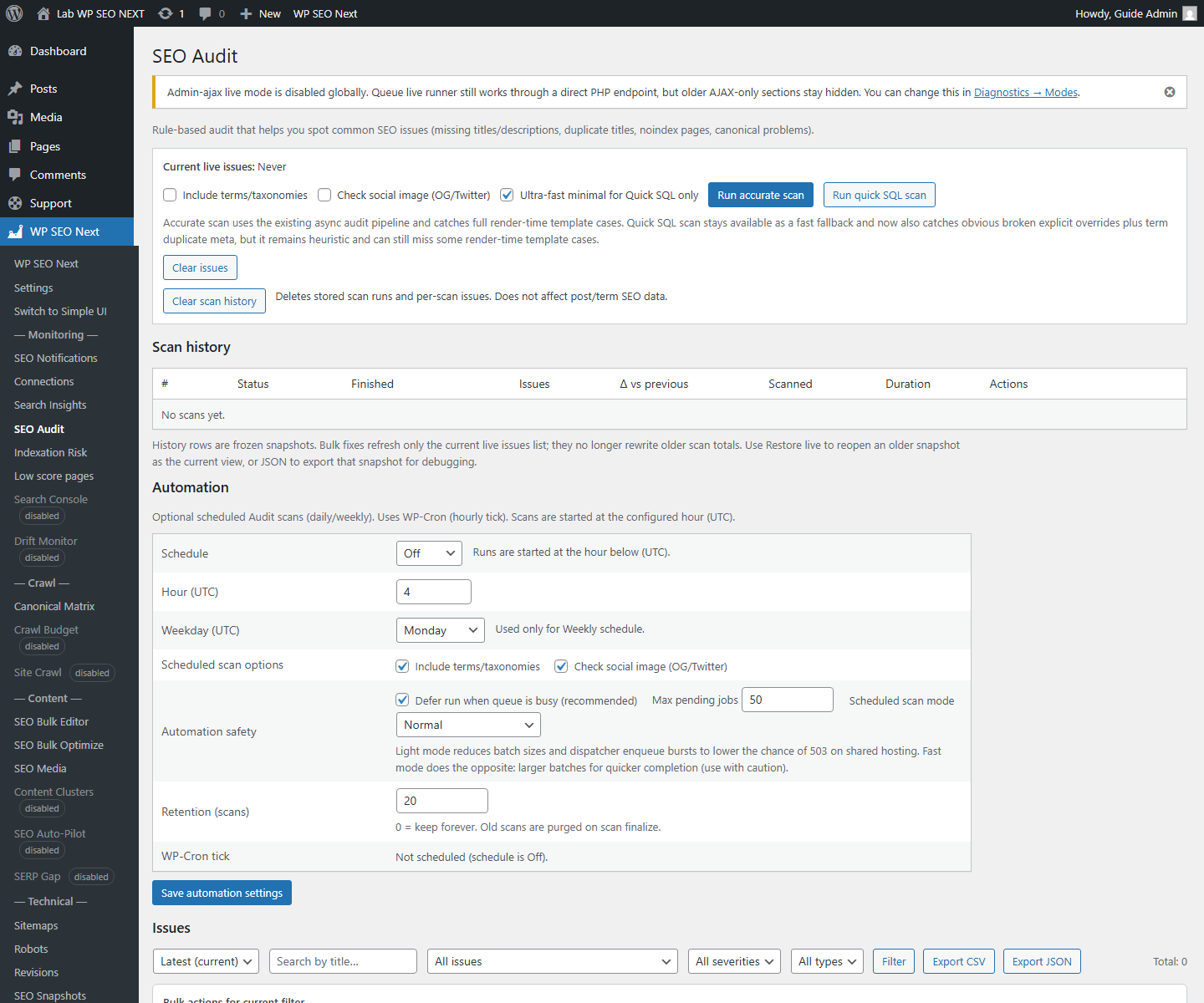
Run a focused first check
- Open the audit or page-analysis tool available in your installed edition.
- Select an important published page. Note its URL and the scan time.
- Run the check and read the actual issue, not just the total score.
- Prioritize problems that affect access or the page’s main purpose. Then review metadata and content warnings.
- Change one related setting or piece of content, save it, and check the public page.
- Run the same check again and compare that specific finding.
Example: a missing description
A service page has a title but no meta description. Write a short, accurate summary in the page’s SEO fields, save the page, and confirm that its public HTML contains the intended description. If caching is active, clear the relevant page cache before rechecking.
Do not repeat the same description across unrelated pages just to remove warnings. Use Metadata Tools to work through pages deliberately.
Read severity in context
Critical: investigate first, especially on pages visitors need to reach. Warning: check whether the recommendation fits the page. Information: use it as context, not an instruction to change everything.
A short contact page and a detailed buying guide serve different purposes. A content-length suggestion should not turn the contact page into filler text.
Know when you are done
The intended public page works, the change is present, and the relevant finding is resolved or has a documented reason to remain. A perfect score is not required.
If the result disagrees with the public page, record the URL, finding, scan time, plugin version, and what you checked. Use Troubleshooting before opening a ticket.
Reference screenshots
These reference images may show an earlier interface. Screen names and available tools depend on your installed version and edition.