SEO Suite guide
Improve page metadata without repeating the same copy
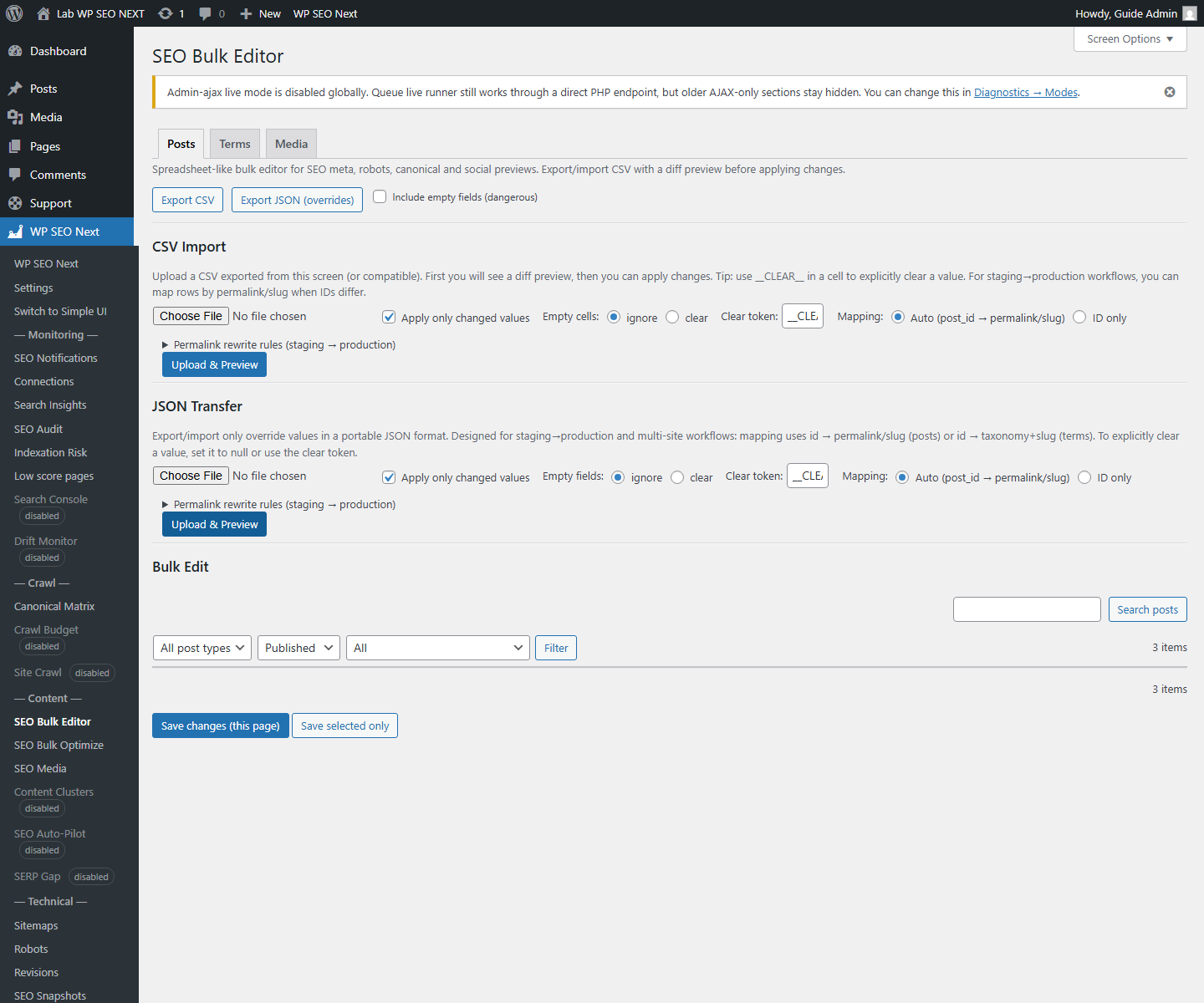
Use Metadata Tools to organize the pages that need attention. For the meaning of individual fields, see Titles, Meta, and Keywords. This guide focuses on the review workflow.
Choose pages with a clear purpose
Start with important service, product, or guide pages. Check whether each page has a specific title and a description that accurately summarizes its content. Use the tools visible in your edition; do not assume that every build offers bulk editing.
Edit and verify one page
- Open the page from the metadata list or WordPress editor.
- Write a title that identifies the subject, rather than a string of keywords.
- Write a description that explains what the visitor will find.
- Choose a focus keyphrase that matches the page’s actual purpose.
- Save, then inspect the public page and its HTML after clearing the relevant cache if necessary.
- Return to the review list and recheck the result.
Example: replace a generic title
Before: ‘Services | Example Studio’.
After: ‘WordPress Maintenance for Small Shops | Example Studio’.
A matching description could explain what the maintenance service includes and who it is for. Only mention services that are actually offered on the page.
Check the output, not only the preview
A preview is a guide, not a guarantee of how a search engine will display the page. If two SEO plugins are producing competing metadata, decide which one owns that output before making more changes.
Understand the fields, choose a keyphrase, or investigate stale output.
Reference screenshots
These reference images may show an earlier interface. Screen names and available tools depend on your installed version and edition.