SEO Suite guide
Use search data only when its source is clear
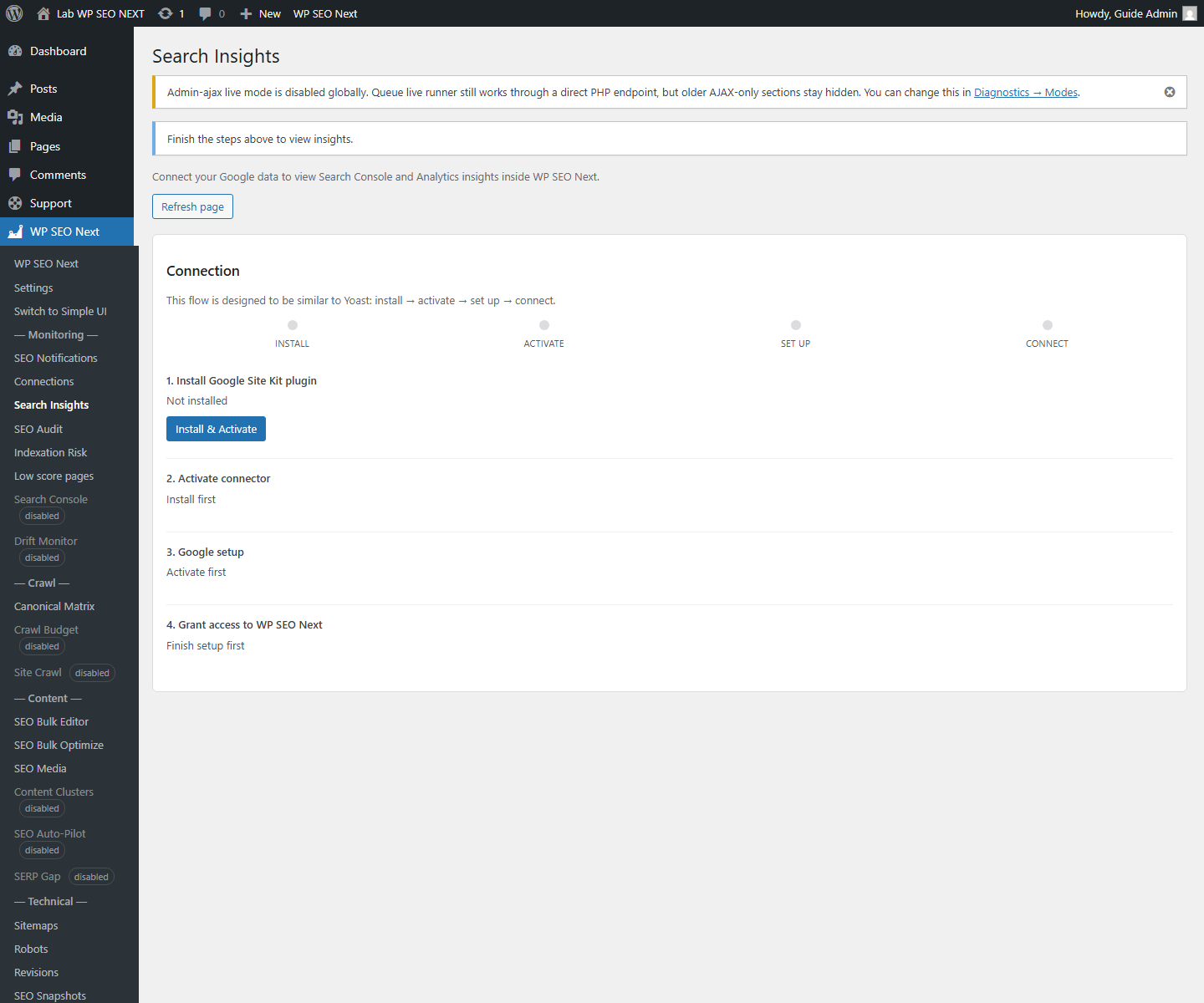
Search Insights is an integration-dependent workflow. Its presence and available data depend on the installed build and connected services. This guide does not promise live Search Console reporting in every edition.
Check availability first
Look for the module in your installed plugin. If it is absent, use Google Search Console directly for search-performance data; buying a larger site allowance alone does not establish that an integration is included.
If the module is present, check the connected property, date range, data source, and last successful update before interpreting a chart. No connection or an empty response is not the same as zero visitors.
Example: impressions without many clicks
Select one relevant page and query. Review the title and description alongside the actual page content. Ask whether the page answers that query before changing metadata. Compare equivalent date ranges after the change; do not treat a single day’s movement as proof of a result.
Separate measurement from suggestions
Search Console observations, a plugin’s on-page score, and an AI suggestion are different kinds of information. A content score is not a measured position in search, and an illustration is not live account data.
Connect only accounts you are authorized to use. External services may have their own terms, permissions, quotas, and charges.
Next step
Use Metadata Tools for a chosen page or SEO Audit for a technical check. Ask support to confirm an integration in the current package before buying specifically for it.
Reference screenshots
These reference images may show an earlier interface. Screen names and available tools depend on your installed version and edition.